Step into almost any flour mill in India, and what do you find? The mill owner busy for the entire day calling his brokers and asking why that particular truck is late at some toll; inquiring from the lab if the last lot cleared the test. The supervisors are carrying phones with them while checking at the unloading bay. Sales executives are closing deals on WhatsApp.
All of this needs to be done only through the software that is tied down to your office computer.
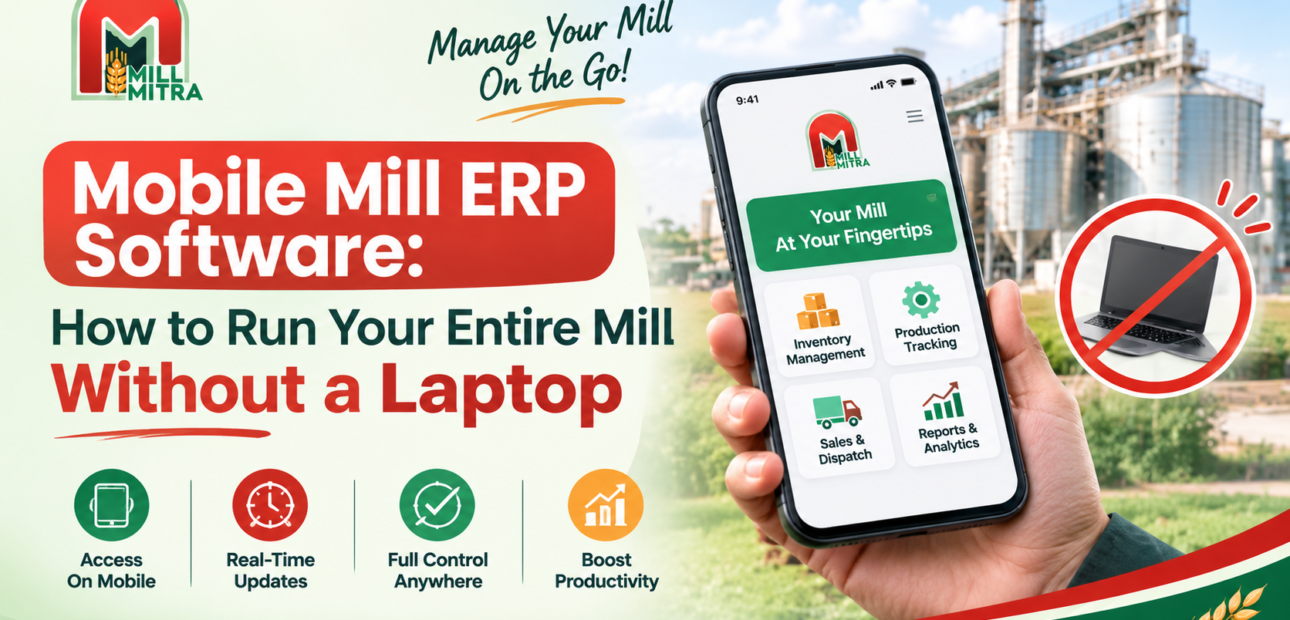
And that’s the cost inefficiency that leads us to the mobile mill ERP software which fills that void. The mobile-first approach of mill ERP software takes the ERP from your office computer to the place where it happens, i.e., the gates, lab, production lines, and even the hands of the mill owner himself.
This book talks all about mobile mill ERP software; its usage by different departments of a mill, need for the large display, and choice of software.
What Is Mobile Mill ERP Software?
The ERP system for Mobile mill is an ERP software that targets flour, rice, pulses, and feed mills as enterprise resource planning, which primarily runs on mobiles and tablets. It integrates procurement, quality testing, truck movements, manufacturing, stocks, sales, and dispatches all through one single common database. No matter what you enter through your mobile device, it automatically enters into the same database where the owner/manager sees them.
Mobile-first vs. mobile-enabled: why the difference matters
The old-fashioned systems have been described as being mobile because of the presence of web login or reporting apps. This implies that the system is mobile-enabled and one is able to view the data through a browser on the phone. However, the data is entered via a PC.
The mobile first concept is distinct from the above one. The screens are customized in a manner that each screen caters to a specific individual carrying out a certain task. Mobile first screens have fewer fields, bigger buttons, camera capabilities and approve through one touch. If a supervisor needs to log the process of unloading through a computer screen, then it is not mobile-first.
Why Mills Are Moving Away From Laptop-Bound ERP
ERP Desktop was meant for office users. Mills cannot be controlled from the office. The reasons why the laptop model fails are:
- Tasks are not localized. Weigh bridges, unloading docks, laboratories, packing house, and dispatching area are not near the computer.
- Late entries create delays. By entering all the tasks performed in the mill during one day at the end of the day, one always sees the past mill.
- Hard environment for computers. Dust, temperature, and humidity affect shared computers in the office, while phones can be better protected.
- Owners do not stay at their desks. Visiting mandis, meetings with buyers and banks do not allow them to be sitting at one place.
- Phones are familiar to everyone. Almost all supervisors have smartphones, and they do not need as much training as desktop applications.
- Actually, the point of using mobile first is not the convenience itself. It is about collecting data in one go.
How a Mobile App for Mill Management Works, Role by Role
The easiest way to explain the mobile app that would manage the mill is to follow the grain in one lot and see how many people it encounters.
Procurement: From requirement to purchase commitment
The purchase executive announces the requirement of grain along with its type, quantity and location and price range expected. The brokers make the offer using their phones. The purchase executive compares the offers, negotiates and commits the order in the flow.
This app replaces: calls scattered everywhere, notes taken in notebook and offers made in chat groups. Every commitment has time, party and price associated with it.
Gate and Unloading: Track each truck
Once the vehicle arrives, the gate or unloading supervisor logs the vehicle against the purchase commitment. This information is entered immediately in terms of weights, bags and timing. The owner knows which vehicles are within, which are waiting and which are delayed.
Quality Lab: Approval Before Acceptance
Before accepting the lot, the lab technician enters test results of moisture, foreign matter, and any other parameters used by the mill and either approves or rejects the lot in the app. In the case where unloading is associated with that approval, rejected materials cannot slip into stock.
Production: Hourly Reporting, Not End-Shift Guess Work
Production employees enter output throughout the shift and not just at the end of the shift. Towards the end of the day, the head of production closes off the day’s work with a daily report that helps tie production to stock. Variances become clear on the same day rather than the end of the month.
Stock: Requisitions and Consumption Management
Inventory managers receive updates of the raw material and finished goods stock as entries are made. Teams create requisitions for spare parts, packaging, or other consumable materials from their mobile devices, and all approvals are logged. This makes it much easier to spot excessive consumption.
Sales and dispatch: the reverse purchase process
Sales is basically procurement in reverse. The sales force provides availability information; responses from either the buyer or the broker come in; the orders are confirmed; and the dispatch supervisor loads and tracks the trucks.
The owners perspective: the entire mill at a glance
All of the above goes into the dashboard that the owner can access anywhere: purchases made today, samples awaiting analysis in the laboratory, production vs plan, stocks on hand and awaiting dispatch. The question stops being “What happened today?” and becomes “What needs my attention right now?”
What Still Needs a Laptop (And Why That's Fine)
Laptop not included is realistic for operational purposes. It’s not realistic for all situations, and there’s merit in being honest where a larger screen will make a difference:
- Statutory accounting and GST returns, which are done by most mills using special accounting software.
- Month-end reconciliations and audits, where you’re comparing multiple records at the same time.
- Bulk uploads, such as uploading master items or historic supplier data.
- Long-range analysis, such as comparing multiple months’ yields or costs.
A good setup is mobile ERP for mill operations, with the office handling the accounting and compliance part. You should ask any vendor how data is transferred between your operational application and your accounting system before signing on the dotted line.
Rice Mill ERP Software vs. Flour Mill ERP: Same Idea, Different Details
Both Rice Mill ERP software and Flour Mill ERP software have the same backbone – purchase, quality, production, stock, and sales. But the specifics differ. It is the specifics that will make an ERP suitable for use or not.
For example, a flour mill system should be able to do the following:
- Wheat receipt, including quality checking of each consignment
- Several products made out of one raw material, like atta, maida, sooji, and bran
- Tracking of pack sizes during dispatch
For a rice mill, a system must:
- Be able to procure paddy, usually from several small suppliers
- Handle parboiling and drying processes – run by the mill
- Track outturn (what proportion of rice was taken from paddy)
- Manage by-products like husk, bran, and broken rice
- Distinguish custom milling of the rice done for governmental agencies (if applicable)
- First, make a list of the processes your mill undertakes and see if the software accounts for each. A generic mill module, which doesn’t consider your particular process, will force your team back to registers.
How to Choose Mobile Mill ERP Software: A Practical Checklist
Ask these questions in demo. They will tell more about product than features list.
- Is it designed for milling? Look for mill-specific workflows like lab approval, trucking and byproduct management, not simple inventory.
- Is there a dedicated screen for each user? Role-based screens help brokers, lab workers and supervisors to do only own work and protect commercial information.
- How it works with poor internet connection? Most mills operate in areas with poor connection. See what if a supervisor gets disconnected during the entry.
- Will it work on your company’s phones? Check minimum required Android and iOS.
- Can the owner see current status without making phone calls? Request demo with realistic data.
- Is quality management connected to stock? Rejected or questionable batches should not be displayed as available stock.
- Is it possible to export your data? You should have access to your information.
- What is onboarding process? See who will train your supervisors and how much time it usually takes.
- Are you able to operate it? Try it out on just one process at first, for example, procurement and gate entry.
How Mill Mitra Approaches Mobile-First Mill Management
Mill Mitra is a mobile application for mill management that covers the entire lifecycle of wheat within the flour mill from purchase to sale. The application runs on both Android and iOS platforms.
The application works based on the flow discussed above. Purchase executives send requirement notifications while brokers respond by sending their offers. Lab technicians authorize quality testing done within the application. Unload, truck and dispatch supervisors oversee the movement of vehicles. Production updates are hourly and daily, and the inventory department manages the inventory, requisition, and consumption. The owners and managers have dashboard and reporting features in the entire process.
Each user accesses only the module relevant to his/her job description. This makes the application easy to use for floor workers as well as restricting commercial information to the relevant personnel.
A Simple 30-Day Rollout Plan
The migration to a mobile-first approach is better accomplished in a step-by-step process:
Week 1 – Define the roles. Identify the people who buy, test, unload, manufacture, store, sell, and ship. Create the user accounts for them.
Week 2 – Begin at the gate. Deploy procurement, truck arrival, and lab clearance activities. They generate the data that drives the rest.
Week 3 – Include production and inventories. Begin logging production and requisitions on an hourly basis.
Week 4 – Close the circle. Incorporate sales and shipping on the application.
Keep the registers manual for the first few weeks until you achieve parity in numbers with the app.
Conclusion
The mill moves, and so should its software. The mobile ERP system for mills puts the processes of purchasing, quality, production, inventory, and dispatch in the hands of the actual people responsible for them, so that the owner knows the mill as it exists now, and not as it existed yesterday.
While you may still use a laptop for accounts and audits, a good mobile-first design will get you from purchasing grain to dispatch from the mill using your phone only.
If you own a flour mill and wish to see how the whole process works, just take a look at how Mill Mitra manages each step in your process.
FAQs
For daily operations procurement, quality checks, truck tracking, production entries, stock and dispatch yes. Statutory accounting, GST filing and audits are usually still easier on a computer or in dedicated accounting software.
Yes. Smaller mills often benefit most, because the owner covers several roles and needs to check status while away from the mill. Start with procurement and stock, then expand.
Accounting software records financial transactions. Mill ERP manages the operations that create those transactions purchases, lab results, production, stock movement and dispatch.
Yes. Rice mills typically need paddy procurement, parboiling and drying stages, outturn tracking and by-product handling. Flour mills focus on wheat quality checks and multiple products such as atta, maida and sooji.
It depends on mill size and the number of users. A phased rollout over roughly a month, starting with procurement and gate entry, is a practical approach for many mills.
Look for role-based access, so each user sees only their own module, and ask the vendor how data is stored, backed up and exported. Also enforce screen locks on staff phones.
Usually very little if the app is truly mobile-first. Supervisors who use a smartphone daily can typically learn a single-role screen after a short demo.